Your WFH space quietly shapes how you think, focus, and deliver every single day. Explore design ideas for lighting, ergonomics, and layout that transform any corner of your home into an inspiring, high-performance workspace remote teams genuinely love. The space you work in sends a signal your brain processes before you even open a tab. A cramped corner, an aching chair, or a dim overhead bulb accumulates as physical evidence that work in this environment will cost you. When employees feel physically and emotionally supported by their environment, output improves in ways that transcend any app, tool, or management hack. The science is consistent: cognitive performance drops in environments with poor lighting, acoustic chaos, and ergonomic strain.
A well-designed WFH space tells your nervous system this is a place for focused, intentional work. Find the right space and you find your best thinking waiting inside it.
Companies investing in distributed employee wellbeing have started recognizing that home offices matter as much as boardrooms. When employers actively support wfh space inspiration through design guides, stipends, or curated recommendations, they see measurable gains in both retention and morale. The physical environment activates psychological ownership because of which people care more, show up more, and contribute more when they feel pride in where they work. Remote workers in thoughtfully designed spaces report lower stress baselines, stronger creative output, and a more genuine sense of belonging to the teams they serve.
Across the structured process behind products built to last, one principle applies to home offices too: the environment shapes the outcome before the work even begins. Together, a supportive space and a supportive culture build engagement that holds through every business cycle.
Ready to build?
Tell us what you're building.
We'll tell you where the real risks sit in your specific product and what it would take to ship it, concept to production.
The COVID-19 pandemic has forced many companies to switch to a remote work setup to ensure the safety of their employees. As a result, the concept of the “home office” has become increasingly popular. As we progress towards normalcy, many companies are continuing with remote work or offer remote work as an option to employees. This may be because of reduced overheads for the companies while productivity remains unchanged. However, working from home brings with it a plethora of unique distractions and challenges that aren’t present when working from office.
Tackling these challenges and creating a workspace that inspires and promotes employee engagement is essential.
Ergonomics and Physical Comfort
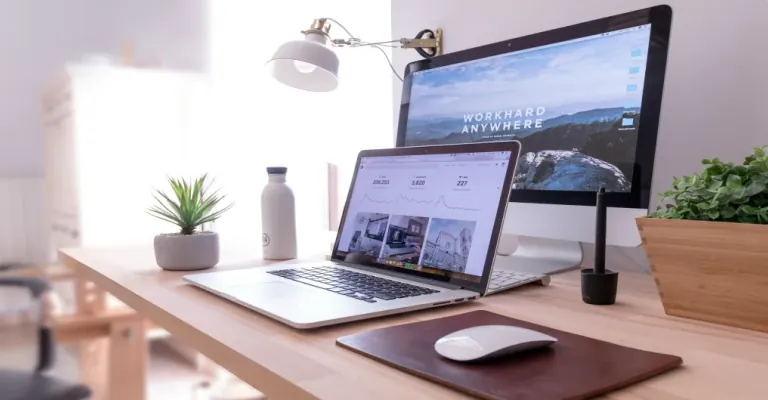
An inspiring WFH space begins with the body, because your body is the instrument carrying every bit of the work. A monitor at the wrong height invites neck strain within hours; a chair without lumbar support drains physical energy long before the day wraps. Ergonomics is the discipline of designing for how humans actually move and rest, and it belongs at the top of any WFH space inspiration conversation. When your physical environment matches your natural posture and range of motion, fatigue drops and concentration deepens automatically. A standing desk with adjustable height, a monitor arm that brings the screen to eye level, and a chair with adjustable armrests are among the highest-ROI changes available to any remote worker. move your setup into alignment and your whole day shifts in a direction that compounds over months.
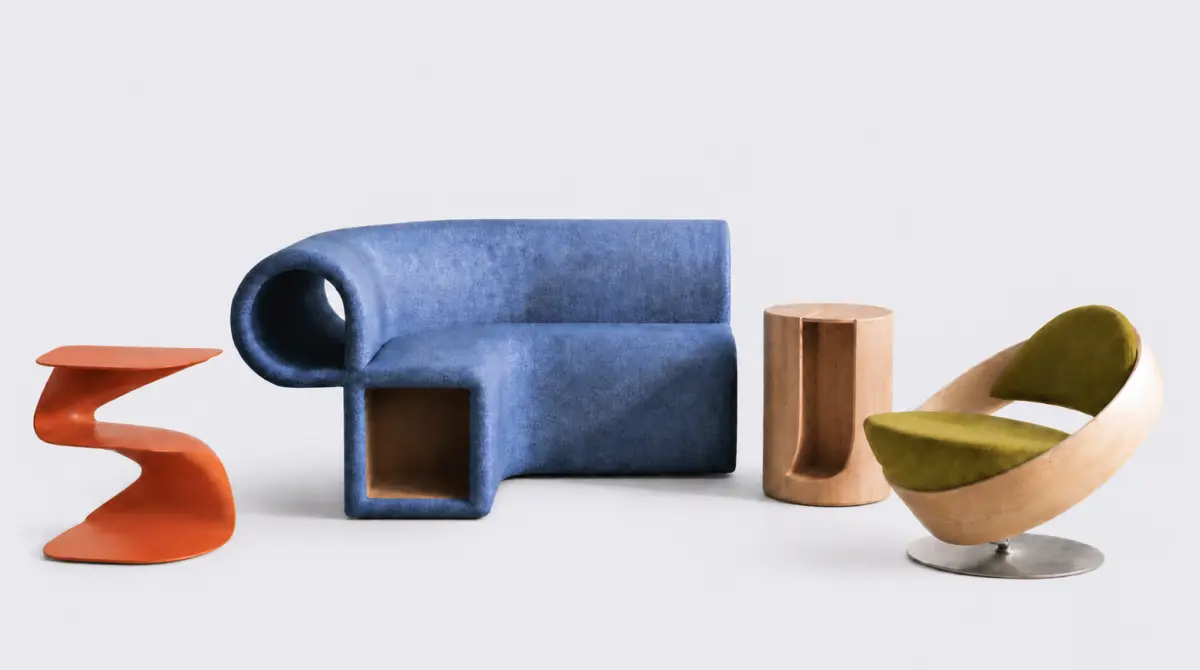
The ideal ergonomic wfh setup keeps your feet flat on the floor, your screen at eye level, your forearms parallel to the desk surface, and your keyboard close enough that your shoulders stay relaxed. Keyboard angle, mouse position, and wrist rest thickness each contribute to the cumulative physical impact of a home office over thousands of hours of use. Microbreaks, short movement intervals every 45 to 60 minutes, work powerfully alongside good ergonomic design to sustain full-day physical comfort without the afternoon energy crash. Companies that advise their remote employees on ergonomic principles see fewer sick days, fewer repetitive strain claims, and markedly more sustained output over quarters. The discipline of thinking through how a human physically inhabits a product is the same discipline explored in how great furniture design transforms everyday spaces. Reach for ergonomic excellence in your WFH setup and give your body the infrastructure it deserves.
Color and Aesthetics For Your WFH Space
Color is a tool, and its impact on a wfh workspace is both psychological and neurological. Soft blues and greens are clinically associated with calm, sustained focus, making them ideal for walls or desk accessories in a home office. Warm yellows and earthy terracotta tones encourage creative thinking and suit designers, writers, and anyone whose output thrives on lateral connection. An inspiring wfh space uses color with intention, a saturated accent wall, a bold desk organizer, or a framed artwork that sets the emotional tone of the room before work begins. Chaotic color palettes overstimulate the visual system and quietly drain mental energy across a full workday, eroding the kind of deep focus that produces your best output. BE deliberate with color choices and watch how your mood responds in the first five minutes of sitting down.
Beyond wall color, the palette of your desk accessories, shelving, and tech equipment collectively forms the visual temperature of your workspace. A cohesive aesthetic with warm wood accents creates visual order that frees your attention for actual work. Aesthetic coherence signals to the brain that this space belongs to professional activity, helping with the mental context-switch between home life and work mode. For creative professionals particularly, design publications like Dwell magazine's home office coverage provide a steady stream of real, lived-in space ideas drawn from architects and designers worldwide. The material and color thinking behind industrial design expertise in consumer products applies directly to workspace design, because every surface you see while working is a product decision. A considered palette in your wfh space is small design with outsized, lasting impact.
Organization and Desk Setup
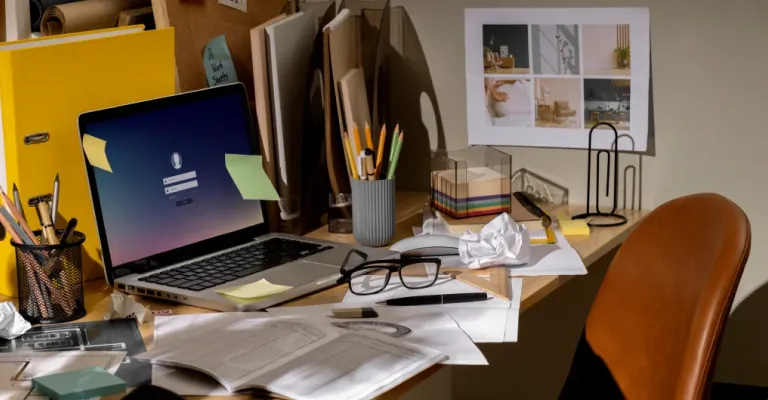
Clutter is a cognitive tax paid hourly. Every object in your peripheral vision that belongs to a different context: a bill, a tangled charger, a half-used notebook and registers as an incomplete task running in your brain's background processes. An organized wfh desk reduces that cognitive overhead and gives your focus a clean, uncontested surface to operate from. Cable management alone with a few velcro ties, a cable routing box under the desk, or a simple channel along the back edge can transform the visual feel of a workspace almost instantly. Dedicated zones for work tools, reference materials, and personal items prevent the entropy that naturally creeps into home-based work setups over time. Clear your desk and clear your mind. This is the insight that every productivity researcher keeps circling back to.
Modular desk organizers, pegboards, and floating shelves are among the most effective low-cost interventions for a WFH space that feels perpetually chaotic. Vertical organization frees up surface area and creates an expanded sense of space, which matters enormously in rooms never originally designed as offices. A simple sorting rule: if used daily, keep it on the desk; if used weekly, keep it within arm's reach; if used monthly, store it out of sight. The morning act of setting up your workspace like aligning a notebook, adjusting a monitor, placing a glass of water is a ritual that primes focused work before a single task is opened. The same systematic rigor behind a checklist that brings manufacturing precision to design applies beautifully to organizing a physical workspace. When everything has a home, your brain saves its energy for the ideas that actually matter.
Ready to build?
Tell us what you're building.
We'll tell you where the real risks sit in your specific product and what it would take to ship it, concept to production.
Design plays a critical role in creating a WFH setup that promotes employee engagement. The design elements should be thoughtful, functional and aesthetically pleasing. For example, choosing a desk that is large enough to accommodate all necessary work equipment and has sufficient storage space, can help reduce clutter and increase productivity. However, a desk that’s too large to fit in the space available to an employee renders the whole set up useless. Similarly, a monitor stand that adjusts to the user’s eye level can reduce neck and eye strain.
By customizing the WFH setup with their company logo and other identifiable graphic elements on the items, employers can also promote a sense of belonging and reinforce their brand identity. Learn about the impact of culture on product design.
Simple branding like printing the company’s logo on the headphones band, using company’s marketing images as background of the mousepads and painting the headphones stand to the color of the company’s logo are surefire ways to improve brand recall. Such subtle branding can be a simple yet powerful way to foster a sense of community and pride among remote employees. Employer branding through these items also reinforces the idea that the company cares for their employees among the employees’ friends and family who see the set up on a frequent basis.
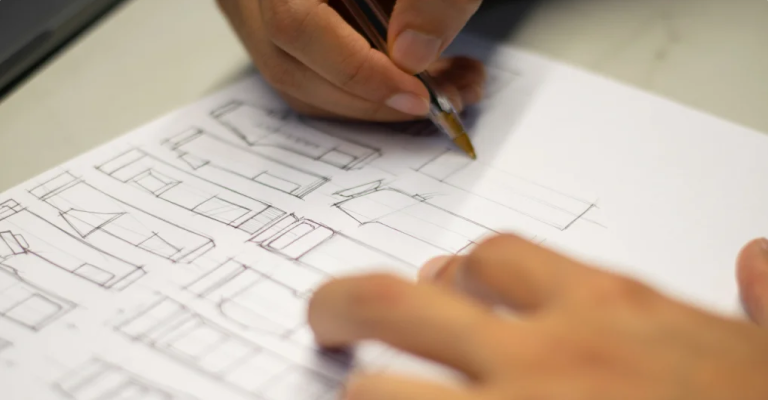
Creating a WFH setup that inspires also requires selecting high-quality equipment using premium materials. Offering keyboards with pre-lubed keys, high DPI mice with smooth movement, and noise cancelling headphones as well as comfy chairs can help employees stay focused and engaged throughout the workday. A WFH setting that is customized to each employee’s needs can also develop a sense of gratitude and respect, which can have a big impact on employee engagement and morale. Such efforts can directly improve the Employee Net Promotor Score (eNPS) and improve the company’s standing among the general public.
Lighting Your WFH Space
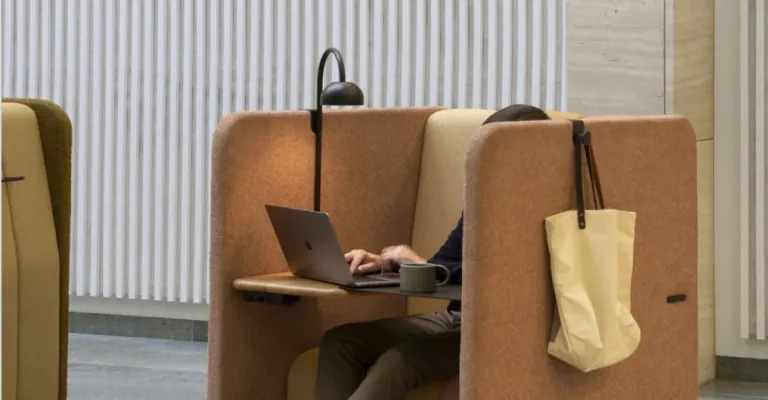
Lighting is the most underestimated design variable in any wfh space, and it governs mood, alertness, and visual fatigue more than most people realize. Natural light is the gold standard: researchers at Cornell found that employees near windows reported an 84% reduction in eye strain and headaches. In a work from home context, positioning your desk to face or flank a window is one of the highest-return design moves available at zero cost. When natural light is limited, layered artificial lighting, ambient overhead, task-focused desk, and accent sources, can replicate the psychological effect of a bright, open studio. Color temperature matters enormously: cool white light around 5000K to 6500K sharpens alertness during peak work hours, while warmer tones ease the transition toward rest in the evenings. Bring light into your WFH space with intention, and it brings clarity with it.
A quality LED desk lamp with adjustable color temperature is an investment under a few thousand rupees that pays dividends in both focus and video call presence. Harsh overhead fluorescent lighting creates a slow, grinding visual fatigue that erodes engagement without the person ever connecting cause to effect. Directing a secondary lamp at a wall or ceiling to diffuse softly across a room creates a more flattering, less fatiguing environment for long work sessions. Blackout curtains paired with tunable smart bulbs give remote workers precise control over their visual environment at every hour of the day. A thoughtfully lit WFH setup is one of the fastest ways to shift from dreading desk time to genuinely looking forward to it.
Conclusion
Creating a custom WFH set up for employees is an easy and untapped method to improve employee satisfaction and engagement in the remote work era. HR leaders must look into creating customized WFH setups that offers a company branded work experience to their employees. By emphasizing their brand identity in the setup and choosing the items keeping design and functionality in mind, employers can create a workspace that not only inspires but also fosters a sense of community, belonging and pride among remote employees. Explore more of our Product Design Examples to get to know our work.
Ready to build?
Tell us what you're building.
We'll tell you where the real risks sit in your specific product and what it would take to ship it, concept to production.